What we keep hearing from business owners is that they often wait until something breaks before reaching out to IT providers for small businesses. This habit can lead to bigger problems and unexpected costs down the track.
"Choosing the right IT provider early helps small businesses avoid costly downtime and security risks."
Industry research shows that most small businesses underestimate how often IT issues can disrupt daily operations. If you’re running a business, you know how important it is to keep your systems running smoothly. That’s where IT providers for small businesses come in—they offer the support services, managed IT services, and managed service options you need to keep your business on track. Whether you’re looking for a service provider to handle your business needs or want to explore managed IT support and remote support, understanding your options is key. As your business grows, having a managed service provider ensures reliable IT support that aligns with your business goals. Many businesses across Australia rely on helpdesk support to keep their operations running, and this support can make a real difference as your business grows.
Many small businesses think IT support is only for larger companies, but that’s not true. IT providers for small businesses offer a range of services designed specifically for smaller teams, from helpdesk support to managed IT service plans. These services help your business stay secure, efficient, and ready to grow.
A good IT provider will work with you to understand your business needs and recommend solutions that fit your budget. They can help your business with everything from setting up new computers to protecting your data with the best IT security solutions for small businesses. With managed IT support, you can focus on running your business while experts handle your technology.
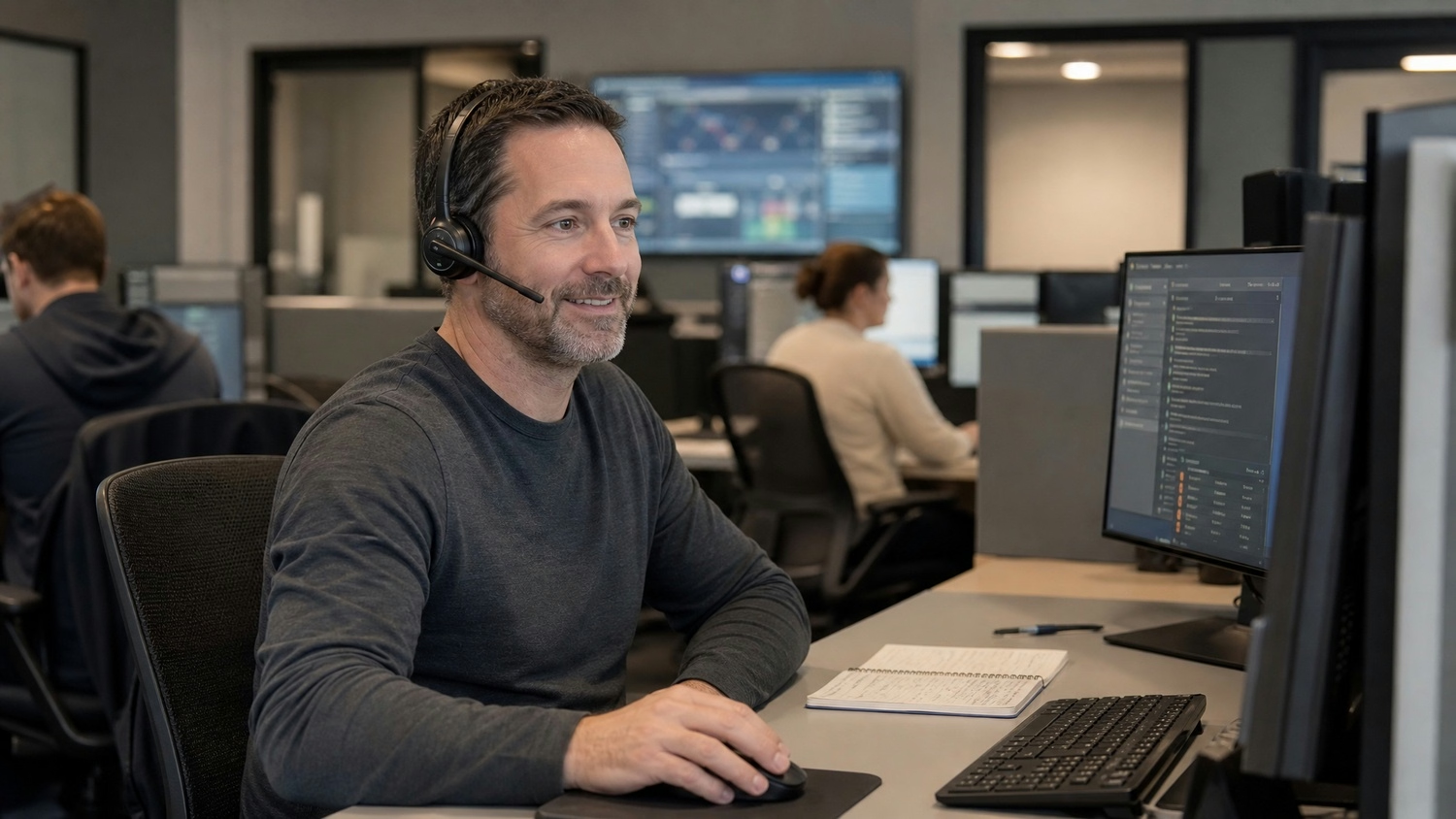
When choosing IT providers for small businesses, there are a few pitfalls you’ll want to avoid. Here are some of the most common mistakes and how to steer clear of them.
Many businesses wait until something goes wrong before seeking help. Proactive support means your IT provider is always looking out for issues before they become problems. This approach helps you avoid downtime and keeps your systems running smoothly.
Not all IT providers have the right specialists for your needs. Make sure you choose a provider with support specialists who understand your industry and the challenges you face. This ensures you get expert advice and solutions tailored to your business.
It’s easy to pick the cheapest option, but not all service providers offer the same level of support. Look for a provider with a track record of helping small and medium businesses succeed. The right partner will help your business grow and adapt to new technology.
Some businesses try to handle IT issues themselves to save money. However, managed IT support can actually reduce costs in the long run by preventing problems and improving efficiency. It also frees up your time to focus on your core business.
Remote support allows your IT provider to fix problems quickly without needing to visit your office. This saves time and gets you back to work faster. Make sure your provider offers reliable remote IT support for small businesses.
A managed IT service provider offers ongoing support and monitoring. This means your systems are always up to date and protected against threats. It’s a smart choice for growing businesses that want peace of mind.
Every business is different, and small and medium businesses have unique needs. Choose an IT provider who understands your size, goals, and challenges, so you get the right support for your business.
Working with the right IT provider offers several important advantages:
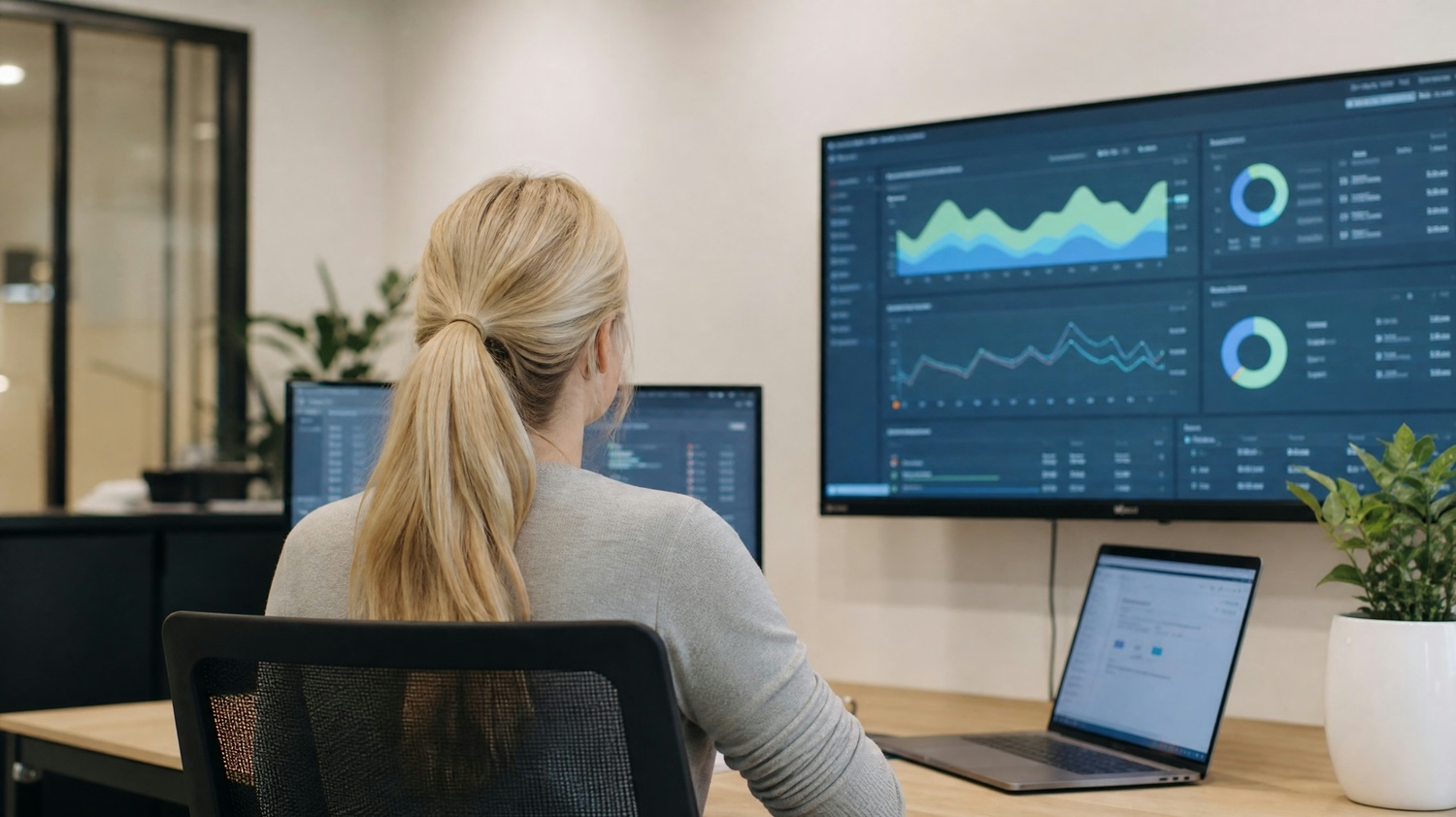
Security is a top concern for any business, especially as cyber threats become more common. IT providers for small businesses use the best IT security solutions for small businesses to protect your data, devices, and networks. They set up firewalls, antivirus software, and regular backups to keep your information safe.
Efficiency is just as important. With managed IT support, your systems are monitored and maintained to prevent slowdowns and outages. This means less time spent fixing problems and more time focusing on your customers. Reliable IT support helps your business stay competitive and meet your goals.
Finding the right IT provider can feel overwhelming, but breaking it down into steps makes it easier. Here’s how to approach the process.
Start by identifying what your business needs from an IT provider. Consider the size of your team, the types of devices you use, and any specific challenges you face. This will help you narrow down your options.
Look for providers who specialise in services for small businesses. These companies understand the unique needs of smaller teams and can offer tailored solutions. Check their experience and client reviews.
Not all tech support is created equal. Compare what different providers offer, such as helpdesk support, on-site visits, and remote IT support for small businesses. Make sure their services match your requirements.
Many providers offer packages designed for small businesses. Review these carefully to see what’s included and whether it fits your budget. Look for packages that cover both support and security.
Support services for small businesses should be easy to access and responsive. Ask how quickly they respond to issues and what their process is for handling emergencies. Fast, reliable support is essential.
Expert IT support means having access to knowledgeable professionals who can solve problems quickly. Ask about the qualifications of their team and whether they offer ongoing training.
Cost matters, but don’t sacrifice quality for price. Look for affordable small business IT support that doesn’t cut corners. The right provider will offer value without hidden fees.

Once you’ve chosen an IT provider, it’s important to make the most of their services. Start by setting clear expectations about what you need and how you want to communicate. Regular check-ins help ensure your provider understands your business and can adjust their support as you grow.
Keep an eye on your systems and report any issues early. This allows your IT provider to address problems before they escalate. Make use of remote IT support for small businesses to resolve issues quickly, and don’t hesitate to ask questions if you’re unsure about something. The best IT security solutions for small businesses are only effective if everyone on your team knows how to use them.
Here are some tips to help you get the most from your IT provider:
Staying proactive and engaged with your IT provider helps your business run smoothly and securely.

Are you a business with 1-40 users looking for reliable IT support and the best IT security solutions for small businesses? If you’re a growing business, it’s important to have a team that understands your needs and can help you stay ahead of technology challenges.
At ANE Technologies, we specialise in IT services for small businesses. Our team offers remote IT support for small businesses, managed IT service plans, and expert advice tailored to your goals. Contact us today to see how we can support your business and help you grow.
Small business IT support usually focuses on fixing problems as they come up, while managed IT service takes a proactive approach. With managed service, your IT provider monitors and maintains your systems to prevent issues before they happen. This approach helps your business stay efficient and reduces downtime. It also means you get ongoing advice and support as your business grows.
Start by looking for a provider with experience supporting businesses across different industries. Check reviews and ask about their response times for helpdesk support. A reliable IT support provider will offer clear communication, fast solutions, and a range of services to keep your business running smoothly.
Managed IT support includes regular system monitoring, security updates, and remote support when you need it. Your provider should offer a clear plan that fits your business needs and budget. This service helps keep your business secure and allows you to focus on your core work.
Yes, remote support allows IT specialists to fix problems quickly without needing to visit your office. This saves you time and reduces costs, especially for small businesses in Melbourne and surrounding areas. Remote support is a practical way to keep your business running smoothly.
A managed IT service provider offers proactive support, regular maintenance, and expert advice. This means fewer disruptions and better security for your business. As your business grows, your provider can scale services to match your needs, ensuring you always have the right level of support.
The cost of dedicated IT support depends on the size of your business and the services you need. Most providers offer packages designed for small and medium businesses, making it easier to budget for IT support. Investing in expert IT support helps your business avoid costly downtime and security risks.

With 20 years of industry experience and a strong background in business operations and process analysis, Rob understands how technology can be applied practically to improve commercial systems, workflows, and outcomes.

We help small businesses in Coopers Plains, QLD thrive with expert IT and cyber security support.
Our engineers are experienced and committed to your success.