Endpoint detection and response software only protects your business when someone is actively reviewing and acting on its alerts. Without staff or a partner to respond, threats can sit unnoticed, making the investment far less effective.
It's widely assumed that installing endpoint detection and response software is itself the safeguard. In practice, the tool only watches and flags; whether that translates into protection depends entirely on what happens next.
Endpoint detection and response (EDR) tools are built to spot suspicious activity on devices like computers, laptops and servers, monitoring endpoint activity and raising an alert when something looks wrong. Those alerts can stop cyber threats early, but only if someone actually responds to them.
That's harder than it sounds once the volume is real. A single EDR system can generate hundreds of alerts, and not all of them are easy to interpret. One government program received over 1,200 valid vulnerability reports, yet only 90% were fixed after review and action by staff — a gap that shows detection is just the opening move, with the real value sitting in whatever happens after the alert lands.
EDR is a powerful part of endpoint security protection, but it was never meant to run unattended. Genuine protection depends on people or partners who know how to read an alert and act on it.

Many businesses assume that installing an EDR solution is the whole job. Yet the real strength of any security tool sits in how it gets used, and EDR software itself can only flag suspicious behaviour — it can't decide what's a genuine threat and what's noise.
That judgement call falls to a security team, or a trusted partner standing in for one. They review the alerts, investigate what's behind them, and decide what to do next; skip that human input and even the best endpoint security solution leaves gaps in the defences it was bought to close.
Smaller businesses often can't justify a full-time security team, which is why many lean on managed security partners to monitor and respond to alerts on their behalf. With the right expertise in place, threats aren't just detected — they're actually stopped before they do damage.
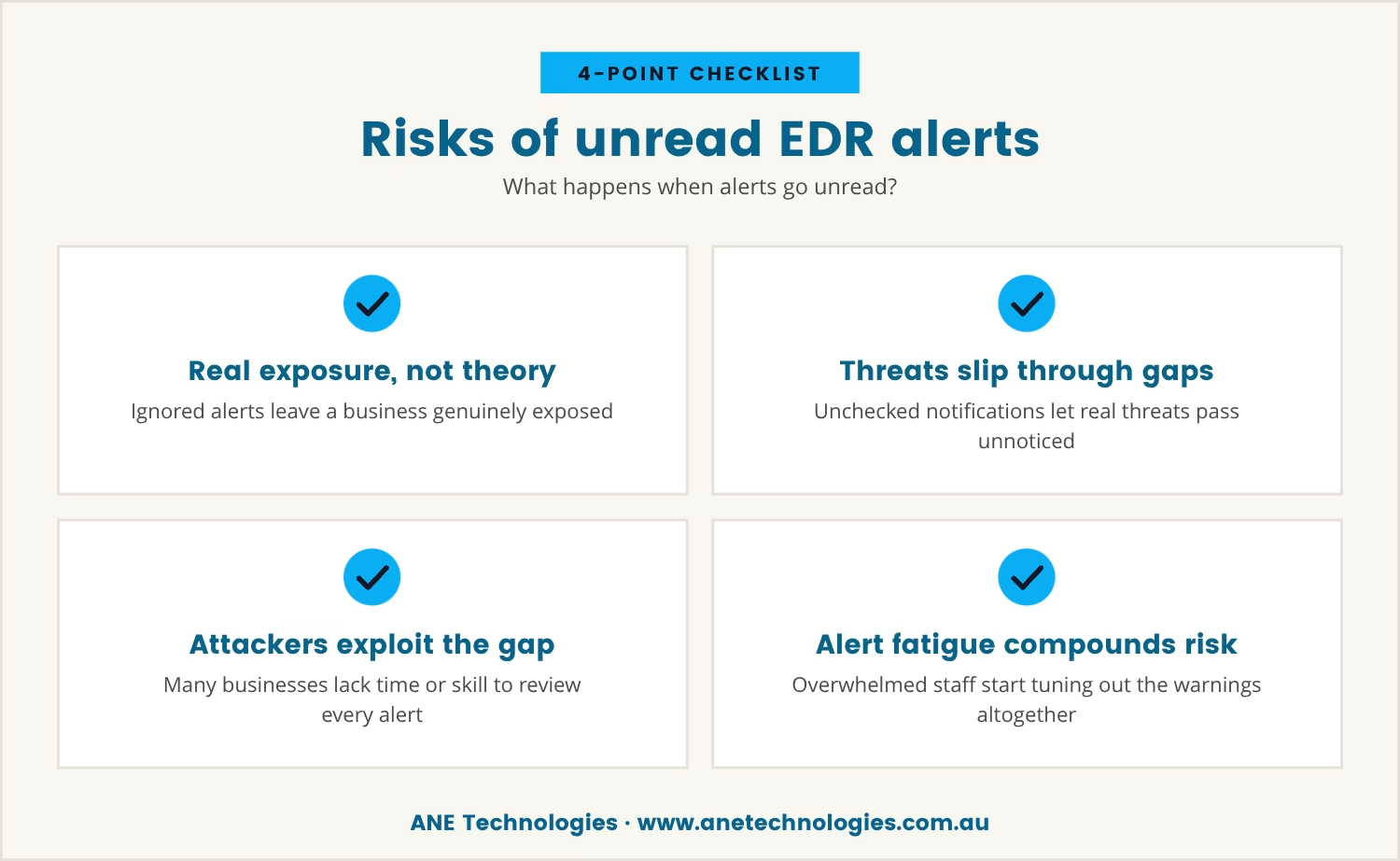
Ignored or misread EDR alerts leave a business exposed in practice, not just in theory. The dashboard keeps filling with notifications, and if no one is checking or acting on them, a real threat can slip straight through the gap.
Attackers count on exactly this: many businesses simply don't have the time or the in-house skill to review every alert that fires. Once a detected threat goes unhandled, the outcome is no different to not having the EDR system at all.
Left unresolved, this tends to compound. Staff overwhelmed by the alert volume start tuning it out altogether, unsure what to do with what they're seeing, and that alert fatigue weakens the security posture it was meant to strengthen. The investment in EDR only pays off once someone is ready to act on what it finds.
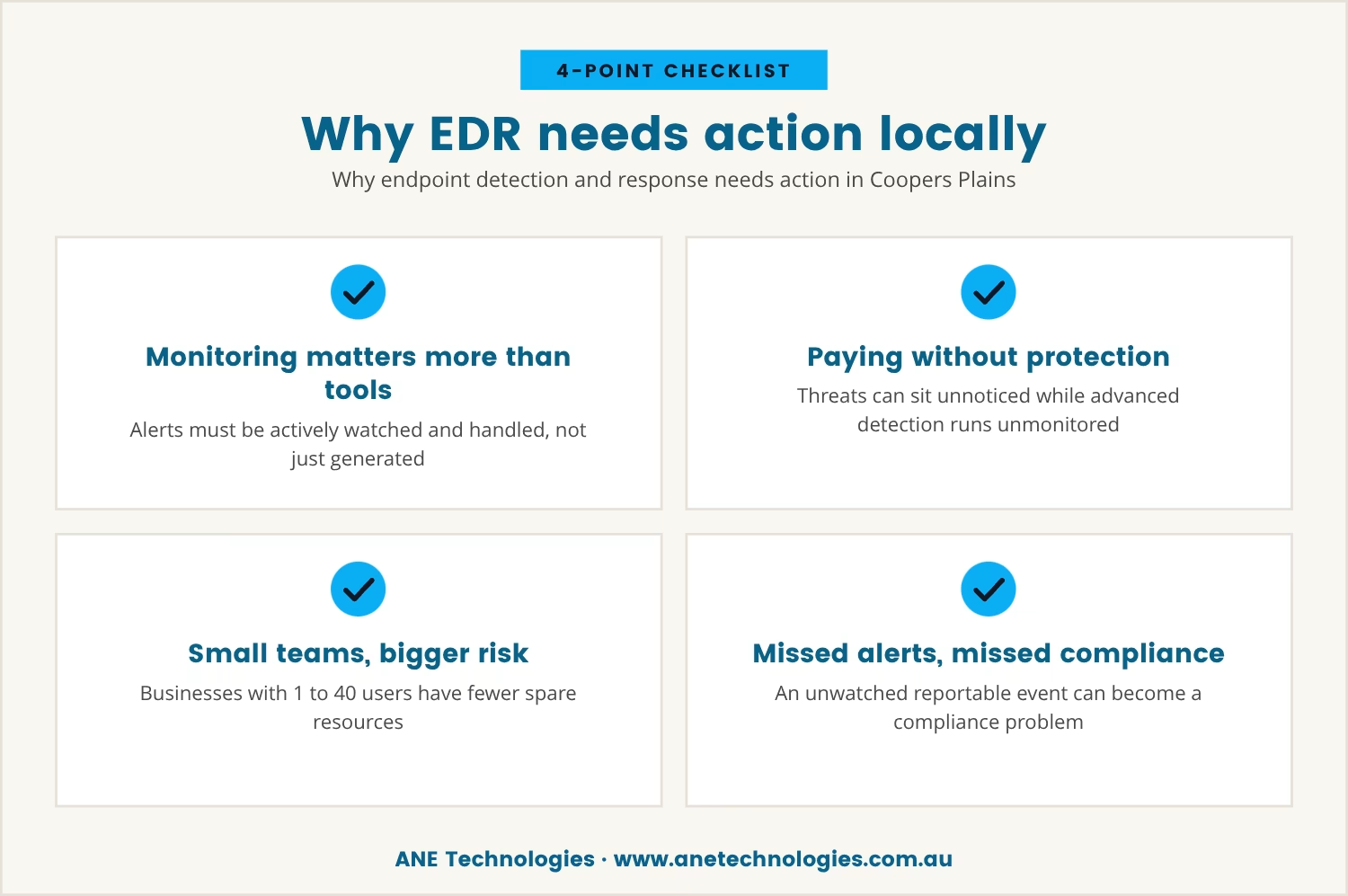
Across Coopers Plains and similar areas, plenty of businesses already run EDR tools to strengthen their endpoint security. Having the software in place isn't where the story ends, though — the real difference shows up in how the alerts it generates get handled.
Without someone monitoring and responding, a business can end up paying for advanced detection while real threats sit unnoticed in the queue. That risk is sharper still for businesses with 1 to 40 users, where resources are already stretched thin.
On top of that, local regulations may require certain security incidents to be reported. If no one's watching the alerts, a reportable event can be missed entirely, turning a security gap into a compliance problem. The right response process is what keeps a business both protected and compliant.
Getting full value from endpoint protection takes more than installing the software — it takes a process where every alert gets reviewed and acted on appropriately.
That process involves:
Skip these steps and even the best EDR tool can't deliver full protection, because the software is only ever as good as the people and processes standing behind it.
A strong EDR deployment rests on several key roles working together. Here's how each part contributes to real security:
Properly setting up the EDR system ensures it monitors the right endpoints and collects useful data. Skipping this step leaves gaps from day one.
Someone needs to watch the alerts as they arrive, not just check the dashboard occasionally. Regular monitoring is what catches threats early.
Once an alert appears, it has to be investigated to work out whether it's a real threat or a false positive. That step takes knowledge and experience.
If a threat is confirmed, a clear plan is needed to contain and remove it. Fast action is what limits damage and downtime.
After an incident is handled, review what worked and what didn't. Feed that back into improving process and training.
For businesses without in-house expertise, a trusted partner can supply the monitoring and response. That's what ensures no alert goes unread.
Even with modern EDR solutions in place, businesses can fall into traps that quietly erode their protection. Common issues include:
Avoiding these pitfalls takes a mix of technology, people and process working together, not any one of them alone.
Detection alone doesn't equal protection. The real value of EDR comes from turning alerts into action, which means having the right people, clear procedures, and a genuine commitment to ongoing improvement.
If it isn't clear who's responsible for reviewing alerts in your business, that's worth settling now rather than later — the cost of inaction tends to run far higher than the price of the software itself.

Many businesses with 1 to 40 users invest in EDR tools, but without the right people or partners to respond, the alerts can pile up and threats can go unnoticed. At ANE Technologies, we understand how easy it is for small teams to feel overwhelmed by security notifications.
If you want to see how we help businesses like yours turn EDR alerts into real action, let’s talk about your current setup and what could make it more effective.
If we ever miss a commitment to you, you’ll receive a $170 service credit—so you know your business is always our priority.
If your business handles sensitive data or has experienced security incidents in the past, basic endpoint protection may fall short of what's needed. EDR tools offer advanced threat detection and response, but they require someone to monitor and act on alerts, so if that capacity doesn't exist in-house, a managed security partner is worth considering.
Antivirus software focuses on known threats, scanning for malware and viruses using signature-based detection. An EDR solution goes further, monitoring endpoint activity for unusual behaviour, detecting both known and unknown threats, and providing tools for investigation and response that make it more proactive than traditional antivirus.
EDR systems can support compliance by providing detailed logs of endpoint activity and helping detect security incidents that may need reporting. Compliance also depends on how alerts get responded to and documented, so the software alone isn't enough to meet every regulatory requirement.
Start by assessing current risks and the resources available to manage them, then look for a solution that fits those needs and can be properly managed, whether by in-house staff or a trusted partner. Ease of use, support, and the ability to respond quickly to incidents are all worth weighing up.
EDR provides real-time monitoring, advanced threat detection, and tools for incident response, which together help small teams catch threats early and respond quickly even without a large security staff. The key factor is making sure someone is responsible for reviewing and acting on the alerts it produces.

With 20 years of industry experience and a strong background in business operations and process analysis, Rob understands how technology can be applied practically to improve commercial systems, workflows, and outcomes.

We help small businesses in Coopers Plains, Brisbane and across South-East QLD thrive with expert IT support.
Our engineers are experienced and committed to your success.