Fixing technical issues is only part of the story—if your IT support isn't matched to your business processes, decision-making can stay slow long after systems are back online. Outsourcing IT support without reviewing workflows leaves hidden delays that cost time and productivity.
Picture this: a staff member submits a purchase request the moment your new IT system goes live, fully automated and ready to approve in seconds. Instead, it sits in an inbox for three days, waiting on a signature nobody thought to remove from the process.
That gap between what the technology can do and what the business actually does with it is where business IT services quietly lose their value. A technical fix lands, the system comes back online, access is restored, a vulnerability gets patched - and yet the team still waits, because the approval step or the handoff around that system was never redesigned to match it.
The reason is straightforward: IT support is usually called in to solve a problem in front of it, not to examine the process wrapped around that problem. So when the fix is finished, the old steps stay exactly where they were, built for a system that no longer works the way it used to.
A clear, standalone insight follows from this: outsourcing IT support without reviewing internal workflows can leave bottlenecks that stay hidden in plain sight, quietly costing time and money. IT support earns its keep only when it fits the business using it, rather than simply patching whatever broke last.
That's why understanding how IT support fits daily operations matters as much as the fix itself. A business that never checks how its processes and its IT support work together is likely leaving real productivity gains on the table.

Outsourced IT support tends to concentrate on technical fixes - getting systems back online, restoring access, patching vulnerabilities - and that focus makes sense on its own terms. The question worth asking is what happens next, because the business process leaning on that system rarely gets updated to match the fix.
Take a purchase approval process that still demands a manual sign-off even though the IT system underneath it is now capable of automating that step. The system has moved forward; the habit built around it hasn't, so staff end up waiting longer than the technology requires.
Left alone, that gap doesn't stay small. Staff wait on approvals, information gets handed between teams through steps that no longer make sense, and each delay compounds the next until the losses in efficiency become hard to ignore.
The risk, then, is paying for managed IT support that solves one problem while leaving a second one completely untouched. A business can look efficient on paper while still feeling slow to everyone working inside it.
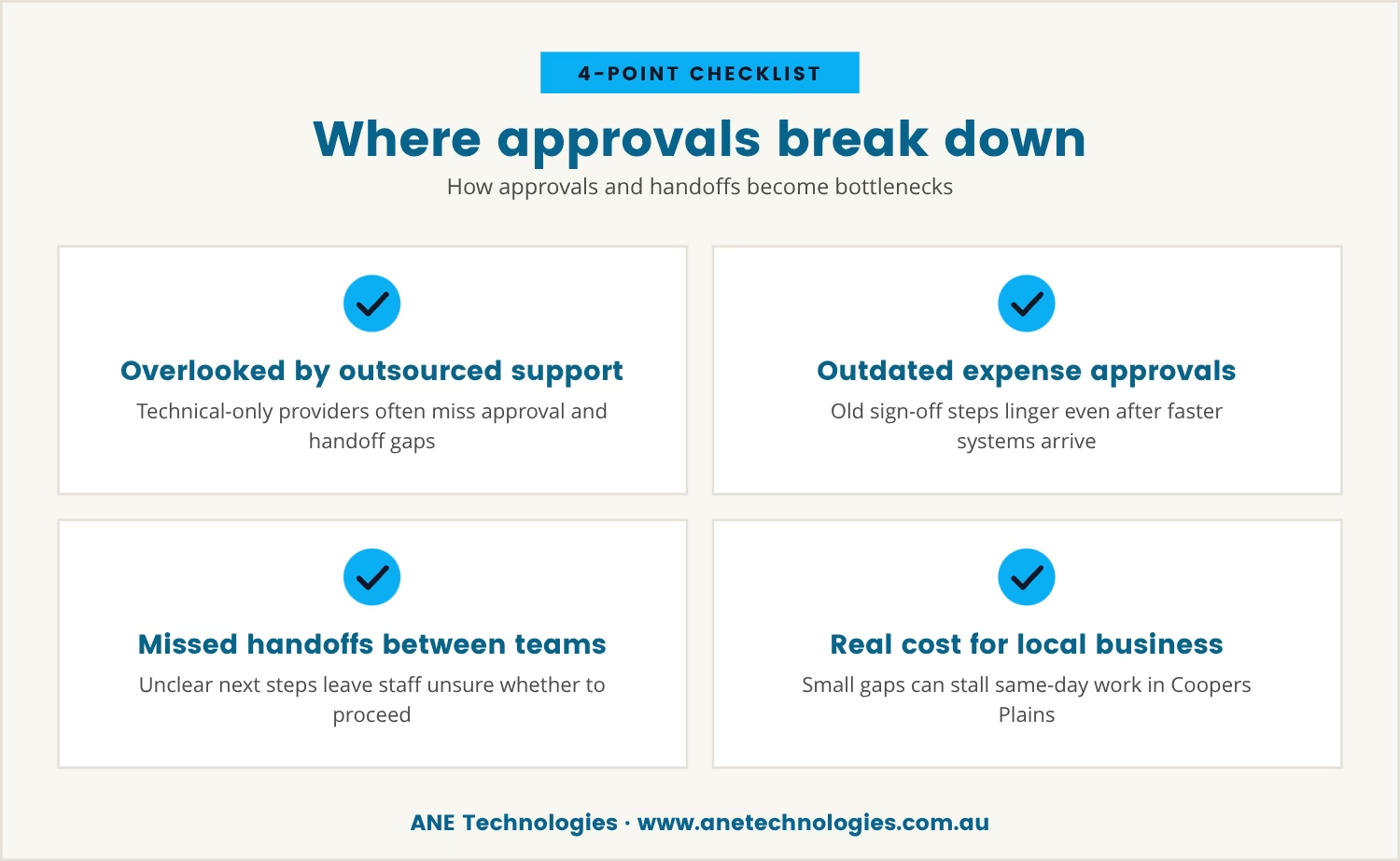
Approvals and handoffs exist to keep work moving, which is exactly why they become dangerous the moment they're overlooked - and outsourced IT support, focused on the technical layer, often misses them entirely.
Consider an expense approval process left untouched after a new IT system arrives: staff are still chasing the same signatures and the same emails, even though the system underneath them is ready to move faster.
The same gap shows up between teams. If an IT provider resolves a technical issue but doesn't pass word to the people who need to act on it, staff are left unsure whether to proceed, and work sits idle waiting for a green light that was never clearly given.
In Coopers Plains, where many businesses depend on clear, fast communication to keep operations moving, that uncertainty has a cost: even a small gap between an IT system and the approvals built around it can stall work that should otherwise be finished the same day.
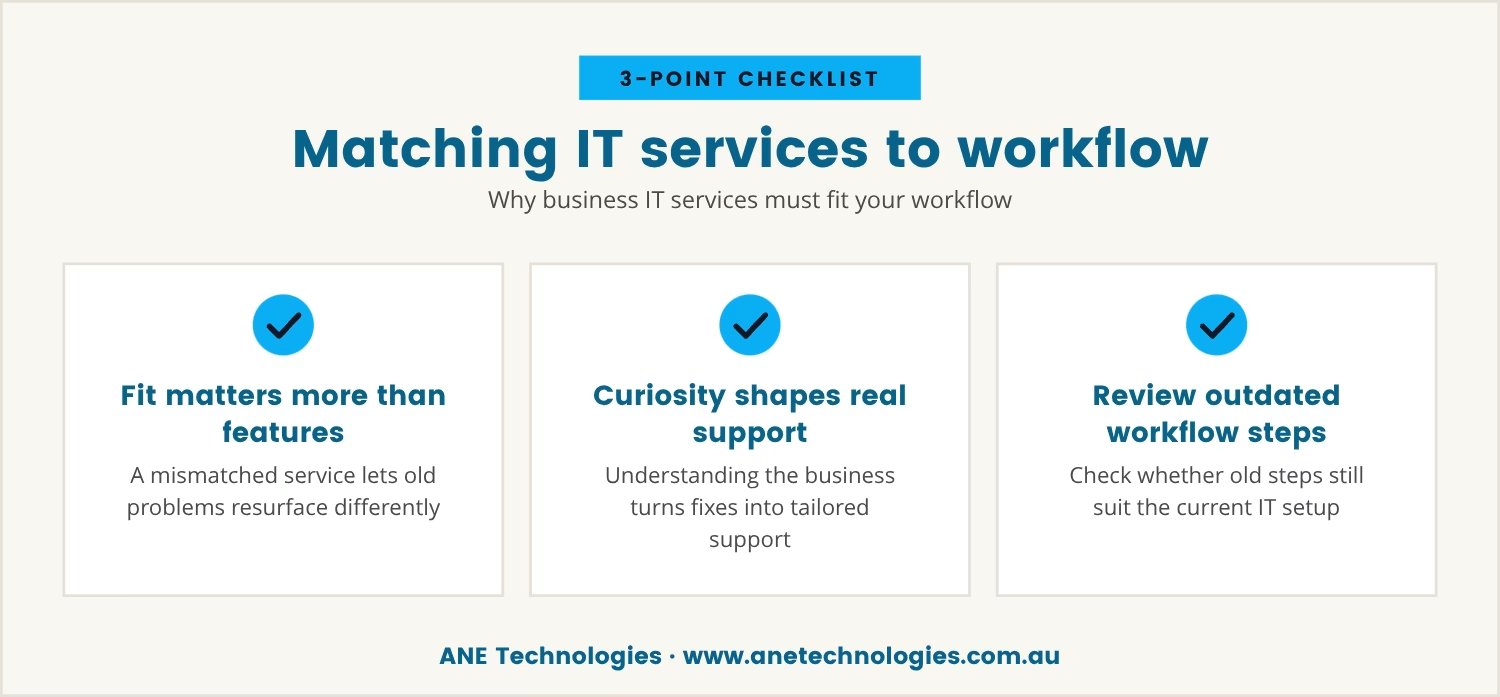
Choosing business IT services is never only a question of technical capability - it's a question of fit, because a service that doesn't match how a team actually works tends to let the same problem resurface in a new shape.
A managed IT service provider worth the name looks past the immediate fix and asks how the team works, what steps make up each process, and where delays are likely to creep in. That curiosity is what turns a generic technical response into support shaped around the business receiving it.
Worth asking, then, if workflows haven't been reviewed in a while: are there steps still in place that no longer make sense given the current IT setup? Closing that gap is often what separates an IT investment that pays off from one that simply ticks along.
Even where the technical support is dependable, certain problems keep resurfacing because the process underneath was never touched. A handful of patterns show up again and again:
Any one of these can quietly cap how efficiently a business runs, regardless of how strong its technical support is.
Given how easily these patterns take hold, the choice of provider matters more than it might first appear - and technical skill alone doesn't settle it. The better question is whether the provider understands how the business operates and is willing to align its support with that reality.
A provider worth choosing takes the time to learn the workflows in front of them and suggests improvements where they're needed, helping identify bottlenecks, streamline approvals and smooth out handoffs. That shift turns IT support from something reactive into something proactive, built to help the business grow rather than just stay upright.
Providers who specialise in small and medium-sized businesses tend to have seen these exact patterns before. That familiarity lets them advise on updating processes to match current technology, which is often what makes a business more agile and quicker to respond.
IT business process management, properly understood, is about more than keeping the lights on technically - it's about making sure the technology underneath actually serves where the business is trying to go, not just the tasks in front of it today.
When IT support lines up with business processes, decisions move faster, change gets absorbed more easily, and the risk of delay drops accordingly. That alignment is also what keeps a business competitive and makes sure its IT spending delivers something tangible in return.
For a business that's growing or changing shape, this becomes more than a one-off exercise: processes need regular review, and IT support needs to evolve alongside them so the two don't drift apart again.
Given everything above, a few practical steps go a long way toward catching misalignment before it costs real time:
Taken together, these steps make it far more likely that IT support actually moves the business forward rather than just keeping it standing still.
Left unaddressed, the gap between IT support and business process doesn't stay flat - it compounds, showing up as missed opportunities, lower productivity and a team that grows frustrated with delays nobody can quite explain. No amount of technical skill can fix a process that no longer matches the business running it.
Reviewing and updating workflows is what closes that gap before it becomes expensive, and it's what makes an IT investment actually pay off rather than just tread water. The aim is simple: a business where technology and process pull in the same direction instead of against each other.

Many businesses with 1 to 40 users find that even after technical issues are fixed, decision-making can still be slow if processes aren't reviewed. At ANE Technologies, we know how frustrating it is to see productivity stall when approvals or handoffs don't keep up with your IT.
If you're ready to see how we approach aligning IT support with your business workflows, let's talk about your current setup and where you want to go.
If we ever miss a commitment, you’ll get a $170 service credit—so you’re protected against unexpected support delays.
Staff waiting on approvals or information after a technical issue is already fixed, or delays that persist even when systems are working fine, are the clearest signs. Mapping out processes and checking in with the team regularly will usually reveal exactly where the updates are needed.
Managed IT support goes beyond fixing immediate problems, adding ongoing monitoring, proactive maintenance and a deliberate effort to align IT services with business needs. That combination catches issues before they start rather than reacting once they've already caused damage.
Yes - outsourcing gives small businesses access to expertise and resources that would be costly to build in-house. Working with a provider that understands the business lets the team focus on growth while technical challenges are handled elsewhere.
Ask how the provider plans to learn the business's processes and whether they'll help align workflows with their support model, and ask about their track record with businesses of a similar size and industry.
Cloud services can automate approvals, streamline communication and make collaboration easier across teams. Shifting key processes to the cloud typically cuts out manual steps and speeds up decision-making as a result.

With 20 years of industry experience and a strong background in business operations and process analysis, Rob understands how technology can be applied practically to improve commercial systems, workflows, and outcomes.

We help small businesses in Coopers Plains, Brisbane and across South-East QLD thrive with expert IT support.
Our engineers are experienced and committed to your success.